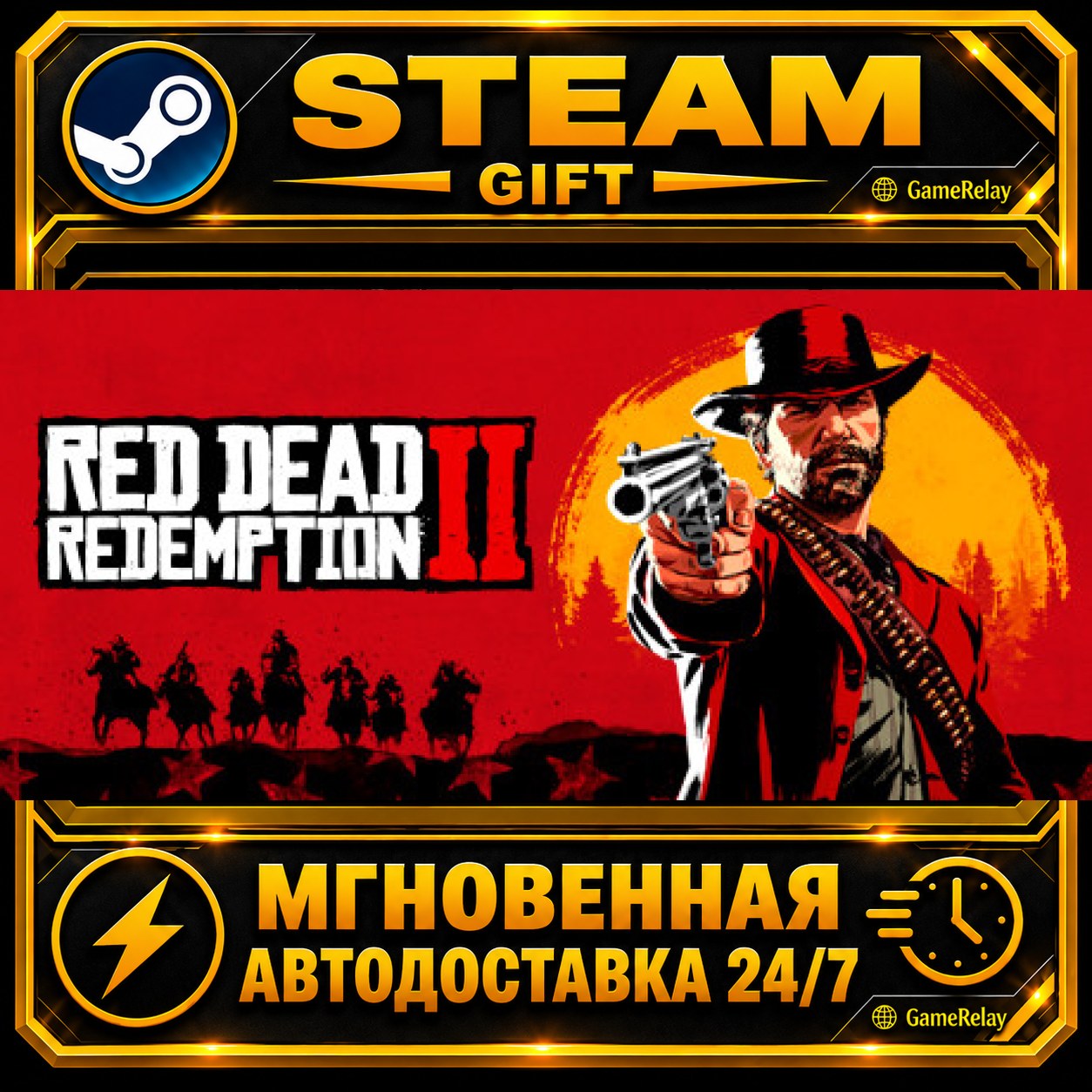
Red Dead Redemption 2 · STEAM GIFT · АВТОДОСТАВКА
🎮 Red Dead Redemption 2 — Steam Gift with automatic delivery.
This is not a key or an account. The game is sent as a gift directly to the Steam profile provided by the buyer.
⚡ AUTOMATIC DELIVERY 24/7
After successful payment, the system will automatically create the order and start gift delivery.
Delivery usually takes a few minutes, but processing may take longer due to increased service load or Steam restrictions.
🌍 AVAILABLE REGIONS
The gift can be received by Steam accounts from the following regions:
Russia, Ukraine, Kazakhstan, Belarus, Uzbekistan, Turkey, Argentina, Brazil, India, China
Before purchasing, check your Steam account country:
https://store.steampowered.com/account/
Your account country must be included in the list of supported regions. If your region is not supported, the gift cannot be delivered.
📌 BEFORE PURCHASING
• Provide the correct public link to your Steam profile.
• Your Steam profile must be public.
• Your account must allow friend requests and Steam gifts.
• The game must not already be in your library.
• Do not change your account region after placing the order.
• Wait for and accept the delivery bot’s friend request.
• Do not remove the bot until the gift has been delivered.
✅ HOW TO RECEIVE THE GAME
1. Enter the link to your Steam profile.
2. Select an eligible region.
3. Pay for the product.
4. Wait for a friend request from the delivery bot.
5. Accept the friend request.
6. Wait for the gift and accept it in Steam.
7. Check that the game has appeared in your library.
💳 REFUND POLICY
• Refunds are not available after the gift has been successfully received.
• If delivery fails because of the seller or the delivery service, the order will be reviewed and the buyer will receive a full refund.
• If the buyer provides an incorrect profile, selects an unsupported region, or does not follow the instructions, the refund decision will be made after reviewing the order and taking marketplace fees and actual expenses into account.
💬 SUPPORT
If you have any questions, contact the seller through the order page.
Keep your order number until delivery is fully completed.
Thank you for your purchase! 🎮
Your order has been accepted and transferred to the automatic delivery system.
1. Wait for a friend request from the Steam delivery bot — it usually arrives within a few minutes.
2. Accept the friend request.
3. Do not remove the bot until the gift has been received.
4. Accept the gift in Steam after it is sent.
The delivery status and further instructions will be displayed on the product delivery page.
Never share your Steam password or Steam Guard code — they are not required to receive the gift.
Оплата и выдача товара осуществляются через партнёрскую платформу.