Steam Аккаунт | Регион на выбор | Полный доступ
⭐VIRGIN CLEAN STEAM ACCOUNT
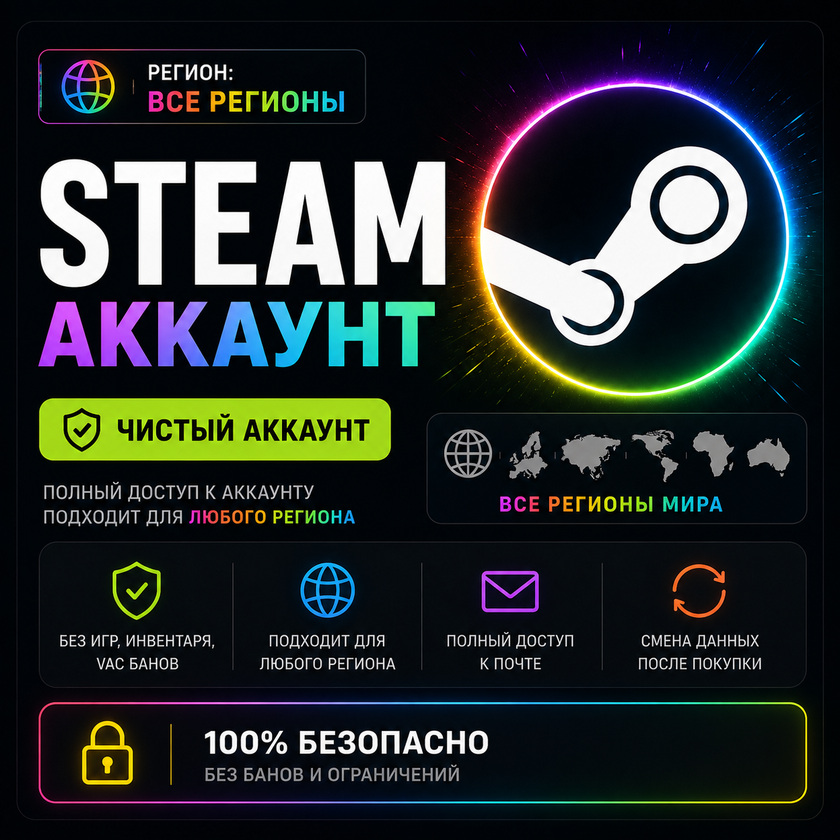
If you need an absolutely sterile base for a new library or change of region, this option is for you. The account was created from scratch, without a single login to the games.
🔒GUARANTEE:
NO VAC, NO Blocking, No Profile Complaints
NO Link to Phone Number
Came in only to check functionality
✨ BENEFITS:
🎯 You choose the desired region yourself.
⚡ Instant delivery after payment.
🔐 Full access to your account.
👤 Login and password are transmitted.
💬 Support if you have questions.
🛒 Ready to use immediately upon receipt.
🔄 Large selection of available regions.
⭐ A convenient solution if you need an account in a specific region.
📦 WHAT YOU WILL GET:
🔑 Login and password for the selected Steam account.
📮 Login and password for mail (Steamwebmail \ Yandex \ Xomail \ Outlook \ Firstmail and other domains)
✅ Possibility to buy games cheaper
✅ Ability to play all the new games
📑Issue format:
Login---Password---Mail---Mail Password
❗❗❗IMPORTANT❗❗❗
•For the first authorization and further use of the account, it is strongly recommended to use a high-quality VPN/proxy for the account region (Argentina) to avoid automatic region changes or blocking by Steam. Changing the region due to the buyer´s fault is not a warranty case!
•After receiving the goods, I advise you to change your password and email
•To display the currency correctly, you must use a VPN (any free one will do) with the IP address of the account country (only for purchases)
• Under no circumstances should you top up your balance with a card that does not correspond to your account region.
• You cannot gift a game on Steam to your personal account or a friend’s account if your/friend’s region is different
• In case of loss, theft of accounts or property from them, the seller does not provide assistance in returning lost funds, restoring or replacing goods
• We do not issue refunds, only replacement in case of account failure for an identical product
• For any problems, please contact the “Correspondence with the seller”
📖 EMAIL CHANGE INSTRUCTIONS:
1. Launch the Steam client. In the upper left corner, click "Steam," then "Settings" (on Mac, click "Preferences").
2. Go to the "Account" section.
3. Click "Change Contact Email."
4. Enter your account password, enter your new email address, and click "Next."
5. Keep the Steam client open until you receive and confirm the email.
6. Open a new email: Steam will send you an email with a link or verification code. Click the link or paste the code into the appropriate field in Steam.
7. Once successfully confirmed, the Steam dialog box will display "Done!" — click "Finish."
📖 PASSWORD CHANGE INSTRUCTIONS:
1. Open the Steam client and log in to your account.
2. Click your profile name in the upper right corner → "Account Details."
3. Go to the "Security & Devices" tab.
4. Click "Change Password."
5. Select a verification method: via the mobile app (if you have access to Steam Guard), by email, or by phone number.
6. Enter the verification code (from the app, email, or SMS).
7. Enter your old password and your new password twice – the system will save the changes.
Оплата и выдача товара осуществляются через партнёрскую платформу.