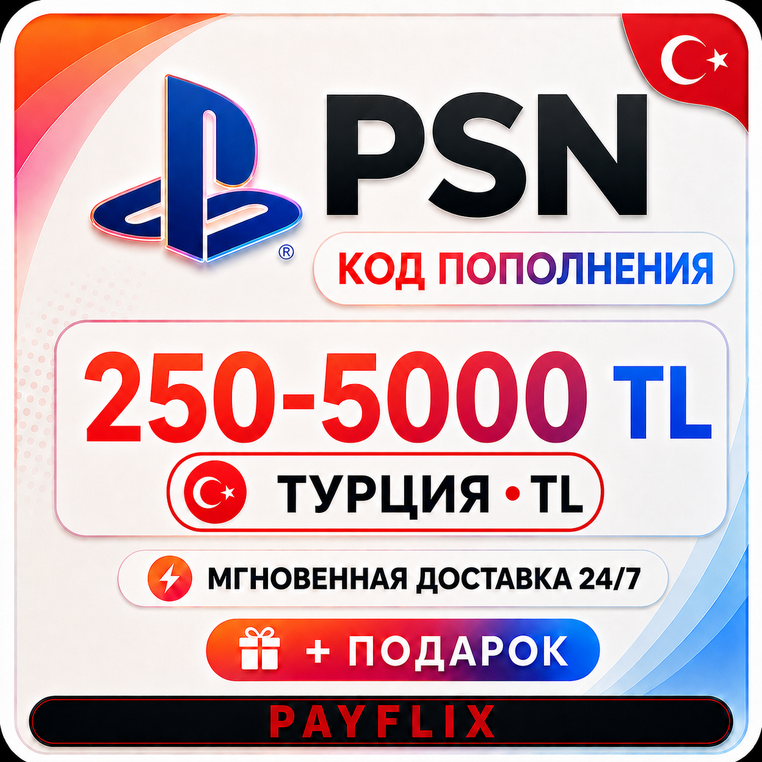

[АВТО 24/7] Карта PlayStation (PSN) 250-5000 TRY (Лиры) Турция
🚀🟢 INSTANT DELIVERY 🟢🚀
‼️ COMMISSION 0‼️
‼️ When paying, choose the first method (SBP)‼️
Hello! Welcome to PAYFLIX ⚫🔴
Where you´ll find:
💲 Best prices
🔥 Commission-free shopping
🚀 24/7 delivery
✅ Fast and responsive support
🔎 Wide selection of products
PlayStation Card 250-5000 TRY (Turkish Lira)
🔰 Activate your key on the PSN website - https://store.playstation.com/
🔑 Product type: Activation key
🌎 Region of use: Turkey
✅ Account currency: TRY
🔥 Top up your PS Store account to purchase games, add-ons, virtual currency, and subscriptions.
🆕 Codes for the Indian (INR) region are also available PSN
❗️ GIFT FOR A REVIEW ❗️
We´ll give away a random Steam game for your positive review!
Instructions: Purchase the product ➡️ Leave a good review ➡️ Message the seller "I want a gift" ➡️ Receive a key.
⚠️ Promotion rules: 1 buyer = 1 gift. Keys are awarded only for positive reviews. Sending time: up to 24 hours from the time you send your message.
‼️ Codes cannot be activated previously; they come directly from the distributor. If you have any doubts about functionality, please record a screen capture from the moment of payment until activation; requests will not be processed without it.‼️
If a return is requested at your own initiative before receiving the code (incorrect region, incorrect product, failure to read the description carefully, etc.), a 20% fee will be charged.
After the code is issued, REFUNDS ARE NOT POSSIBLE.
If the error was caused by the seller, a full refund will be issued.
Activation instructions:
1. Go to https://store.playstation.com
2. Select your profile
3. Then, "Account Management"
4. Then, "Transaction Management"
5. Select your PSN card
6. Enter the code (case-sensitive)
How to redeem a PlayStation Store voucher (on a web browser):
1 Open the PlayStation Store website and sign in to your account.
2 Click your avatar at the top of the page.
3 Select Redeem Codes from the drop-down menu.
4 Carefully enter the voucher code and click Redeem.
5 The funds or content will be added to your account.
How to redeem a PlayStation Store voucher (PS5):
1 Go to Settings > Users & Accounts.
2 Select Account > Payments & Subscriptions > Redeem Codes.
3 Enter the code and click Redeem.
Redeeming a code at checkout (on a web browser/on a console):
1 On the checkout page, select Redeem Codes and Gift Cards among the payment methods.
2 Enter the code and confirm to apply it to your purchase or balance.
How to redeem a PlayStation Store voucher (PS4):
1. Open PlayStation Store and scroll down to the bottom of the left menu.
2. Select Redeem Codes.
3. Carefully enter the code and click Redeem.
4. The funds or content will be credited to your account.
Оплата и выдача товара осуществляются через партнёрскую платформу.