
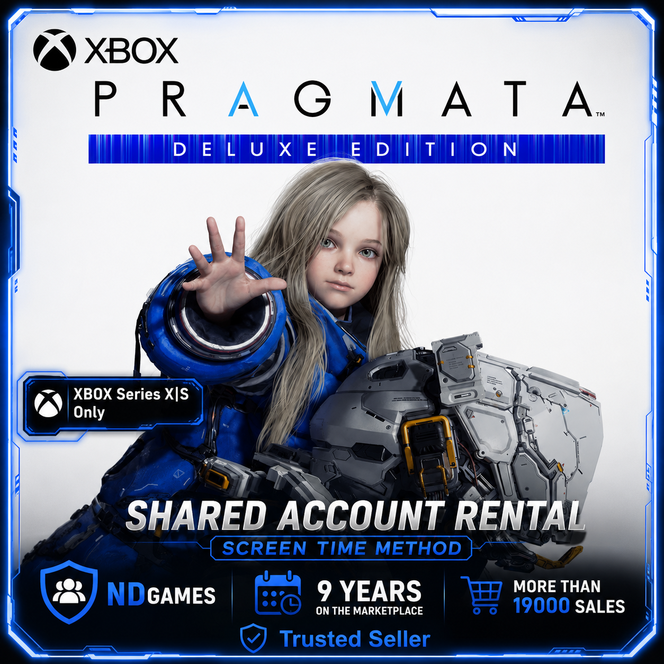
[XBOX SERIES X|S] АРЕНДА | PRAGMATA Deluxe Edition
📋 BEFORE PURCHASING, READ THE FULLY DESCRIPTION AND RULES TO THE PRODUCT.
✅ You are purchasing a Shared Account,
✅ Games are launched using the “Screen Time” method (parental control) at any time convenient for you.
💬 Questions you are interested in, it is better to ask before buying! We work every day!
🌟 Why Choose ND#GAMES? 🌟
❤️ More than 9 years in the digital goods market | 💰 Affordable prices
🚀 Instant Email Delivery | 🎁 CASHBACK for review
👍 Guaranteed technical support | 😎 Discounts for regular customers
💚 17000 successful sales | ⭐️ More than 3500 review
👍 Access to the purchased account for Rental period [subject to the rules]
☑️ Account for gaming consoles XBOX SERIES X|S with games:
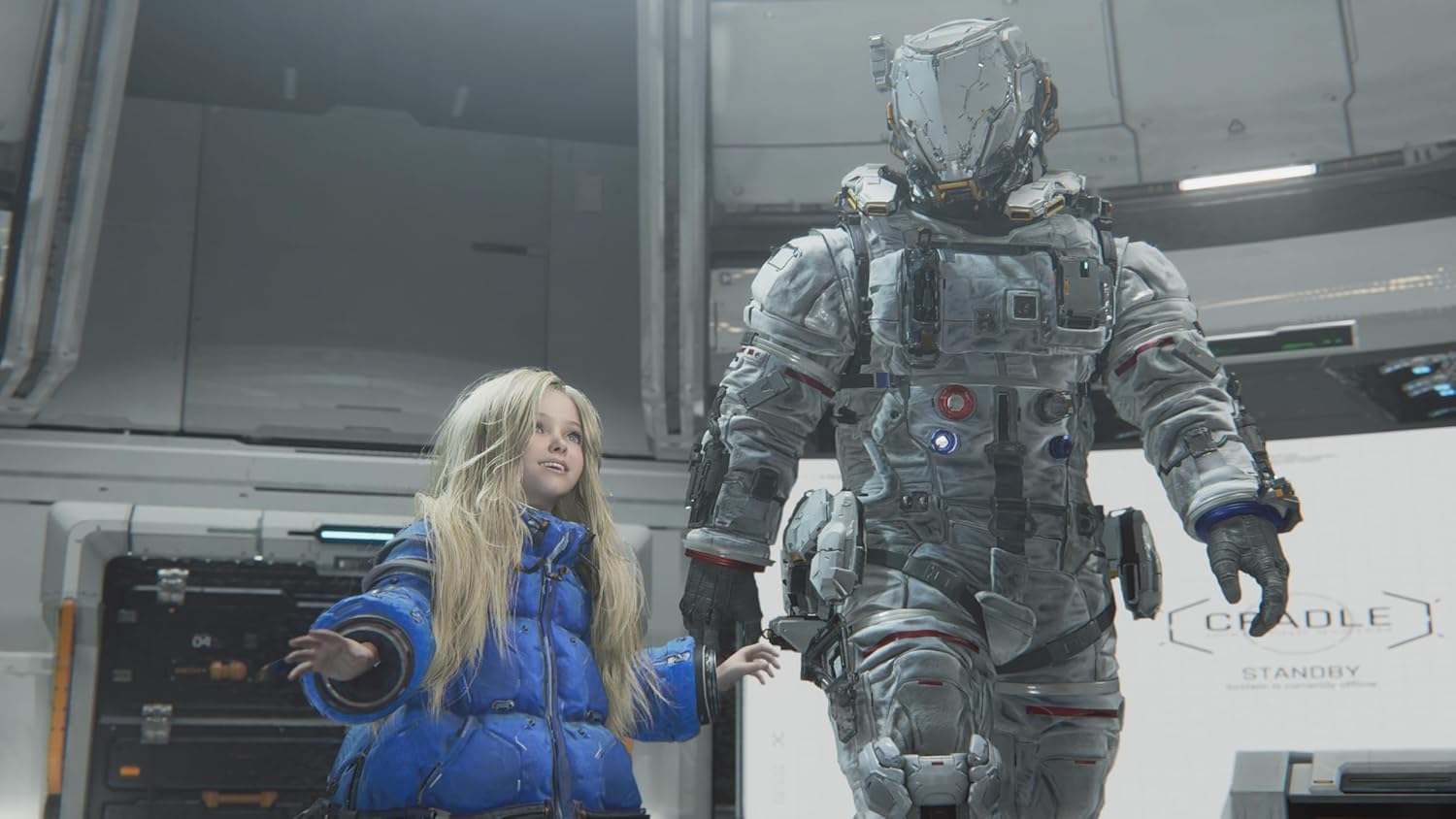
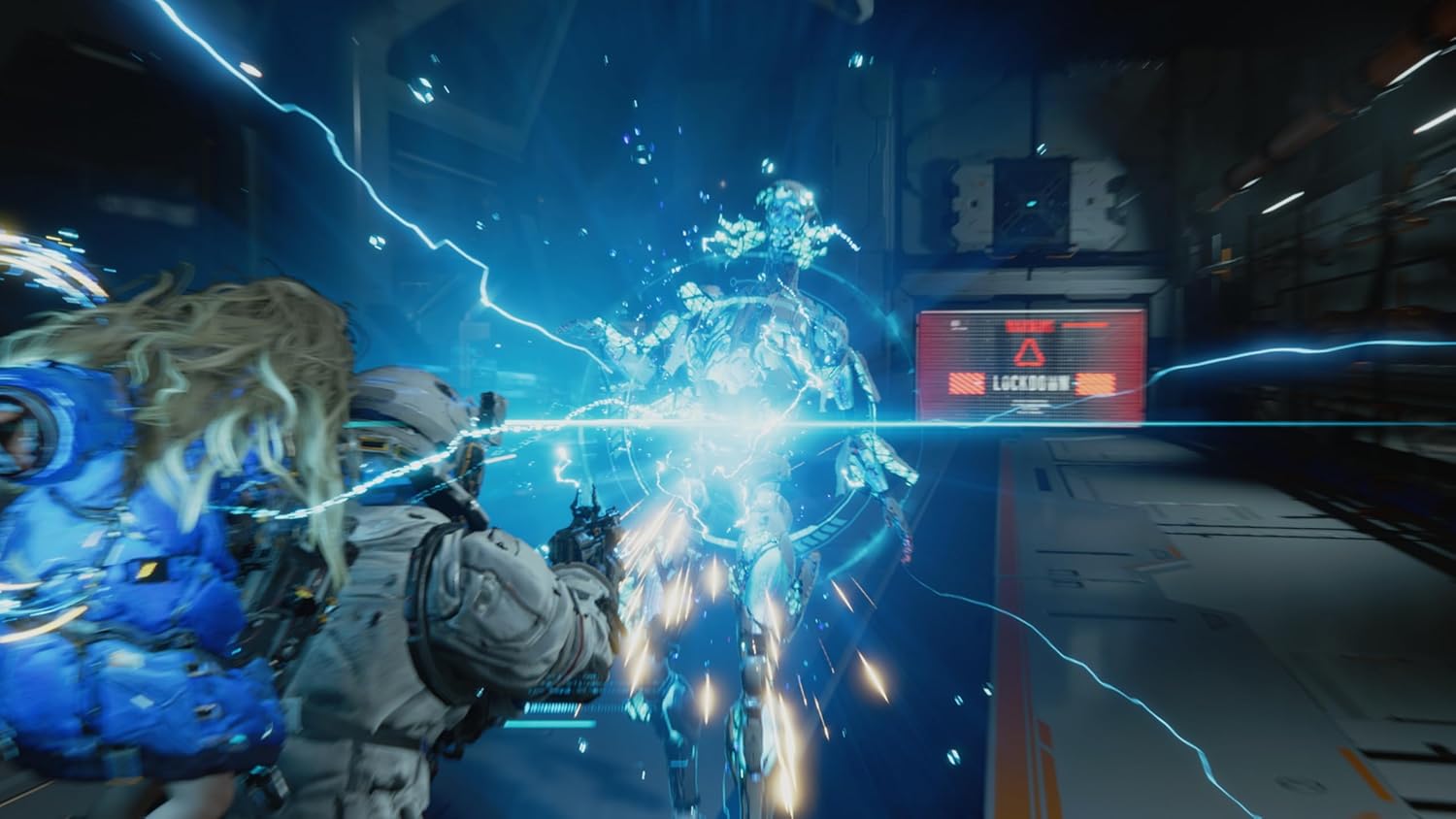
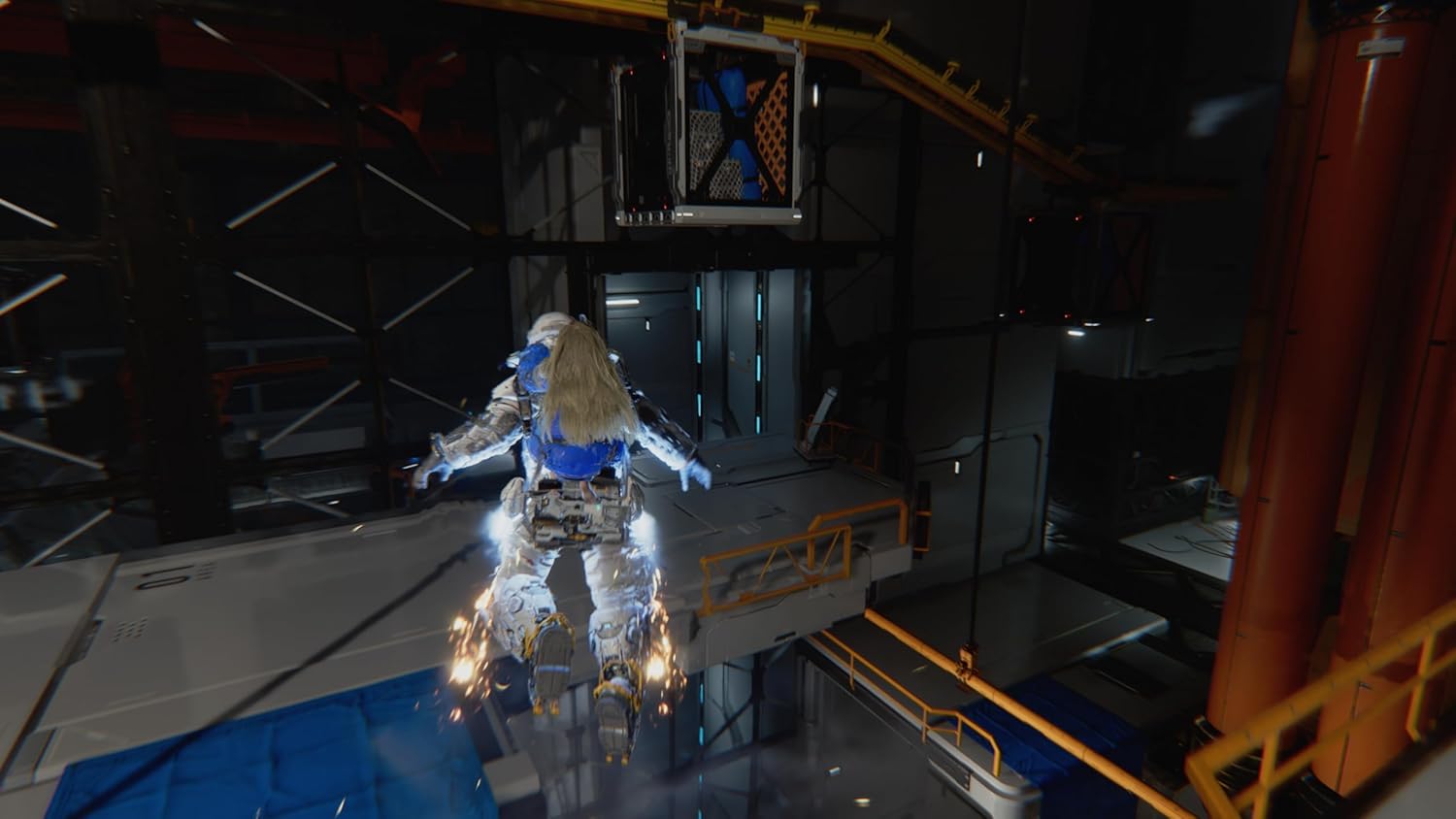
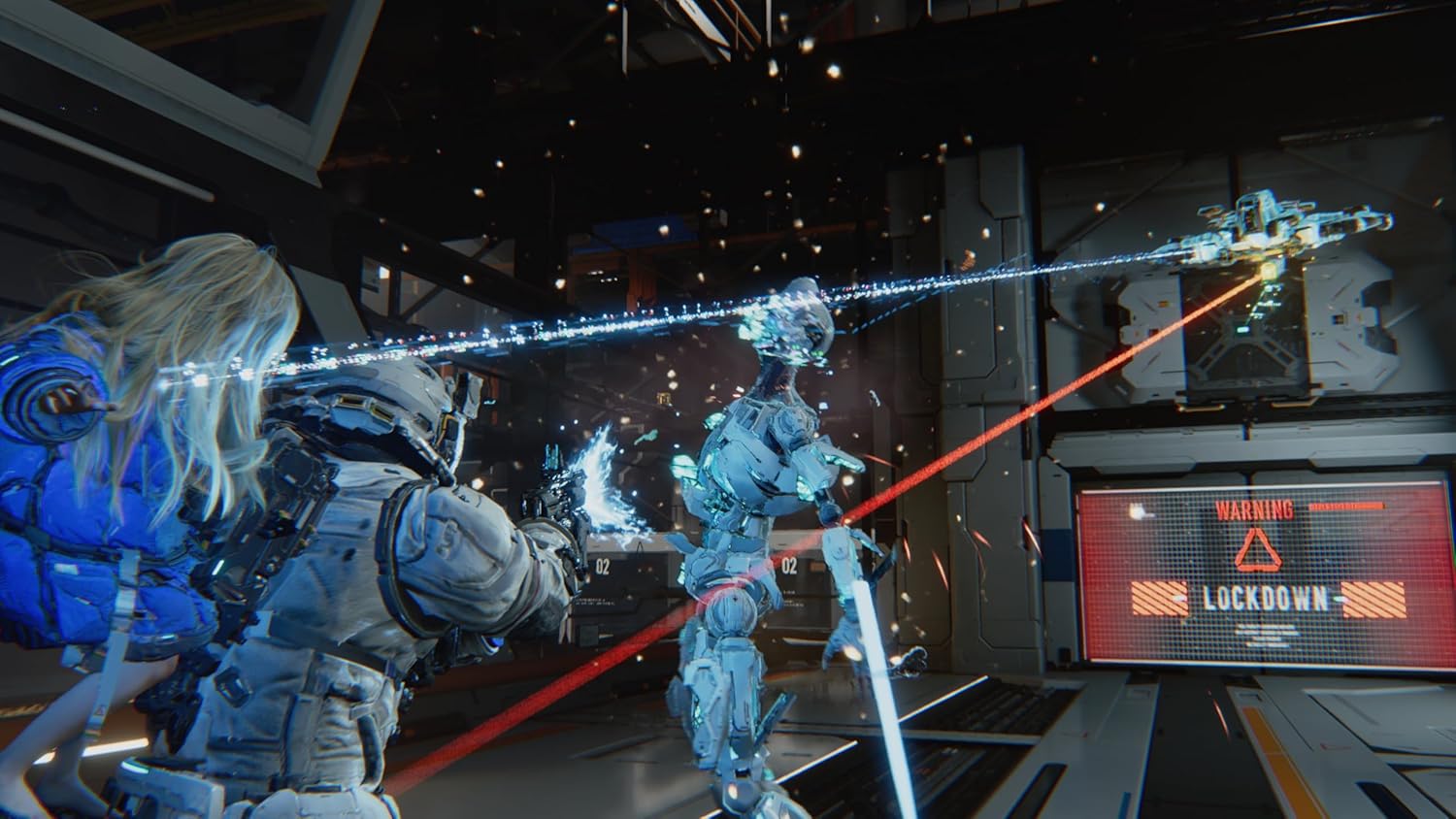
🎮 PRAGMATA Deluxe Edition
📌 RULES:
ℹ️ After payment, you must send a unique code to the seller in a message, after which we will log you into account.
ℹ️ We login to account using the Microsoft website http://microsoft.com/link. You must send the code to seller from the console by clicking "Use another device."
ℹ️ One payment - One console (second and subsequent devices are charged again)
☑️ You purchase a game for RENT from a period of 1 Week!
☑️ If you want to extend the rental period, please contact us in advance.
◾️ This is a Shared Account. Online game and expansions [dlc] may not work, the seller is not responsible for this.
◾ Using this account, you can play the game on your personal profile, unlock achievements and save gameplay.
◾ We will resend the security code only if we change the password on the Account!
◾ By purchasing an Account, you automatically agree to the information and rules.
⛔ FORBIDDEN:
◾ Setting your device´s home profile is prohibited.
◾ Play from the purchased Account, it only serves to download and run games;
◾ Login on any device other than the XBOX ONE X|S / XBOX SERIES X|S console; [You don´t have access to Xbox.com]
[Any attempt to login from another device will result in a denial of service.]
◾ Try to change any data on the Account;
◾ Use the Account on more than one console.
[For violation of these rules, you will lose access to our account without a refund! Also in technical support for any questions you will be REFUSED!]
✔️ We will REPLACE your product if:
◾ The login/password is incorrect;
◾ The product does not match the description.
❌ Replacement of goods or Refund is IMPOSSIBLE if:
◾ Bought “By Mistake” the wrong product;
◾ Violated the RULES;
◾ Didn´t like the game on the profile;
◾ Didn´t like the launch method;
◾ Didn´t read the description before buying;
◾ "Disconnections" occur during the game.
😊 We will be grateful if you leave a review.
✔️ HOW TO START THE GAME:
— The time on the console should be from 8:00 am to 3:00 am!
— Log in to the purchased account, the "Extend screen time" window should appear - click "Next" (if the Close button appears, log in to the account again);
— Settings (options) - "General" - "Network settings" - "Disconnect from the network" - click "B";
— "System" - "Time" - change the time from 3:00 am to 8:00 am;
— Log in to the purchased account again;
— Switch to your personal account;
— Settings (options) - "General" - "Network settings" - "Connect to the network" (wait until it is fully connected);
— Go to the main screen and launch the game
(If the error "The game is running elsewhere" appears, click "Play here");
- Wait for the game to load and log out of the shared account.
✔️ HOW TO LOGIN AND INSTALL THE GAME:
— Turn on the console, log into your personal account;
— Settings (options) - "General" - "Network settings" - "Disconnect from the network" - press "B";
— "System" - "Time" - change the time from 3:00 am to 8:00 am;
— Settings (options) - "General" - "Network settings" - "Connect to the network" (wait until it is fully connected);
— Press the "GUIDE" button, move "Profile and system" to the right;
— Select "Add or change";
— At the end of the list "+Add new";
— Select "Use another device."
— Text to seller the code that appears on the screen.
— Wait a couple of minutes for a response from the seller to continue the process according to the instructions.
— "Use of your data" - "Continue"; "We found the settings for your last Xbox account!" - "No thanks";
- "Help improve Xbox" - "No thanks";
- "When sending data to publishers" - "Continue";
- "We found the settings for your last Xbox account. Apply them now?" - "No thanks";
- "Sign-in settings and security" - "NO RESTRICTIONS";
- "How should I sign in?" - "Skip";
- "Did you get a code?" - "I don´t have one";
- Click the "GUIDE" button, "My games and apps", see all;
- Full library, "All custom games";
- Find the game you bought, click on it, "Install all" the game starts downloading to your console;
- Log out of the purchased account, remain only in your account;
- Settings (options) - "System" - "Time" - set the usual time zone.
✔️ HOW TO START THE GAME:
— The time on the console should be from 8:00 am to 3:00 am!
— Log in to the purchased account, the "Extend screen time" window should appear - click "Next" (if the Close button appears, log in to the account again);
— Settings (options) - "General" - "Network settings" - "Disconnect from the network" - click "B";
— "System" - "Time" - change the time from 3:00 am to 8:00 am;
— Log in to the purchased account again;
— Switch to your personal account;
— Settings (options) - "General" - "Network settings" - "Connect to the network" (wait until it is fully connected);
— Go to the main screen and launch the game
(If the error "The game is running elsewhere" appears, click "Play here");
- Wait for the game to load and log out of the shared account.
Оплата и выдача товара осуществляются через партнёрскую платформу.