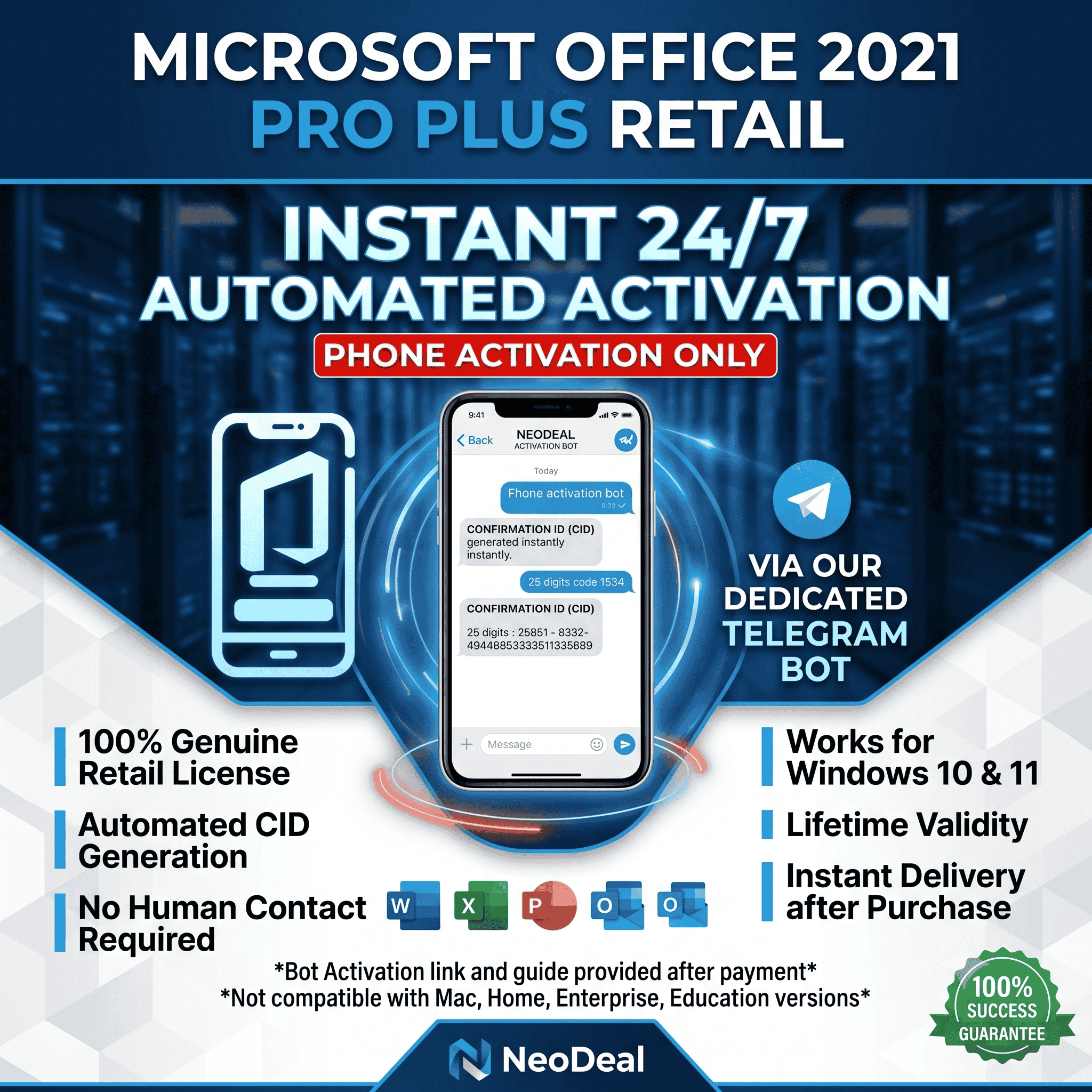
Microsoft Office 2021/2024/2019 Pro — Телефонная активация
Compatibility
Fully compatible with Windows 10 and Windows 11
Supported Editions: Office 2024, 2021, and 2019 Professional Plus
Activation Guide
Step 1: Input Your License Key
Open Word or Excel, go to File (or Account), and click Change Product Key.
Enter your 25-digit license key.
If an activation wizard pops up, select "Activate the software by phone" and click Next.
Step 2: Get Your Confirmation ID (CID)
You will see a long Installation ID (IID) on your screen. Copy this text or take a screenshot of it.
Go to https://getcid.online/ru , enter your IID into the site, and click GetCid. The site will generate a Confirmation ID (CID) for you.
Note: This method works exclusively for phone activation.
Step 3: Complete the Activation
Take the Confirmation ID (CID) numbers and enter them into blocks A through H in your Office Activation Wizard.
Click Next to finish the process.
Support
Need help or encounter an error? Simply send a screenshot of your screen inside the marketplace order chat. We monitor messages daily and provide rapid support. You will get a response within 12 hours maximum.
Official Download Links
Office 2024 Pro Plus LTSC:
https://archive.org/download/office-2024-ltsc-v-2_202409/OFFICE%202024%20LTSC%20v2.iso
Office 2021 Pro Plus:
https://officecdn.microsoft.com/db/492350f6-3a01-4f97-b9c0-c7c6ddf67d60/media/en-us/ProPlus2021Retail.img
Office 2019 Pro Plus:
https://officecdn.microsoft.com/pr/492350f6-3a01-4f97-b9c0-c7c6ddf67d60/media/en-us/ProPlus2019Retail.img
🔥 NEED WINDOWS 10 / 11 PRO TOO? 🔥👉 GET YOUR WINDOWS LICENSE KEY HERE:
https://plati.market/itm/windows-10-11-pro-license-key-retail-or-oem/5956040
Оплата и выдача товара осуществляются через партнёрскую платформу.